
At Bragghost, our goal is to provide fast, secure, and reliable hosting for every customer. To make sure no single account impacts the performance of others, each hosting package includes resource limits. These limits are generous enough for normal use and help maintain stability across our servers.
Don’t worry — these are not hidden restrictions. They’re a way to keep your website running smoothly while ensuring fairness for all customers. Most users will never run into them, but if you do, our team will help you figure out whether optimization or an upgrade is the best path forward.
Resource Usage Dashboard
Inside your Bragghost cPanel, you’ll find a Resource Usage Dashboard that shows how your website is using server resources. This tool updates in real time and is the best way to monitor your account’s performance.
From the dashboard, you can:
- See your current usage for memory, CPU, entry processes, and other resources.
- Review usage history (snapshots) to identify if your website is hitting its limits frequently.
- Pinpoint errors or slowdowns that may be linked to resource caps.
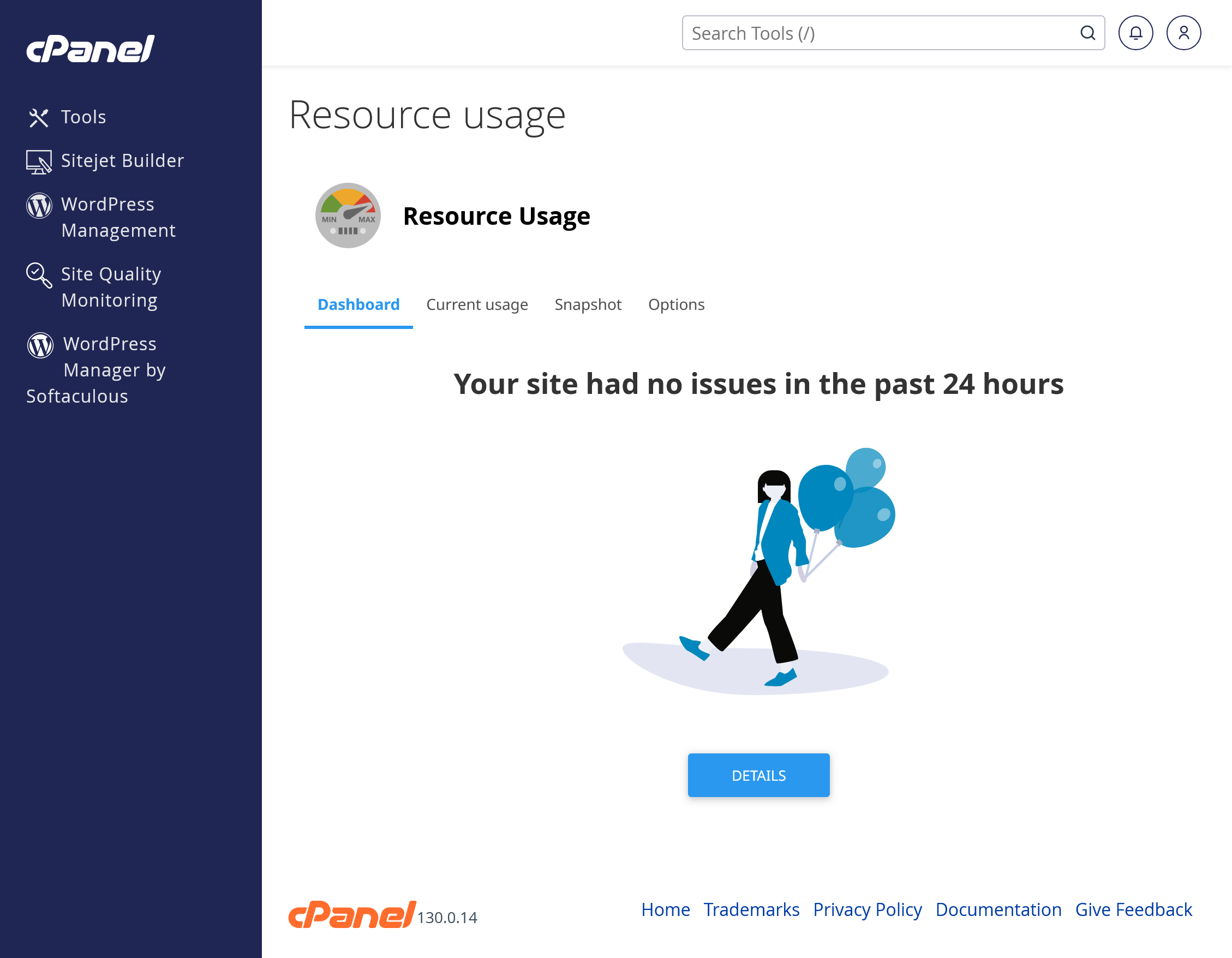
If your site temporarily exceeds the limits of your plan, the dashboard will show this clearly, along with the date and time it happened. Occasional spikes are normal, but if you notice repeated issues, that’s a sign your website may need to optimize or upgrade to a higher plan.
Web Hosting Account Limits
Starter Plan
Designed for smaller websites, blogs, or simple business sites.
- Websites allowed: 1 website
- Storage: 5 GB NVMe
- Inodes (files limit): Up to 250,000 files
- RAM (Memory): Up to 1 GB
- Databases allowed: 3 databases
- I/O: 10 MB/s
- IOPS: 1024
- EP: 25
- NPROC: 100
- Emails per hour per domain: 100
- Max email attachment size: 50 MB
- cPanel Individual Mailbox Quota: 500 MB
- POP Connections per IP: 3
- IMAP Connections per IP: 20
- SMTP Connections: 100
Next-Level Plan
- Websites: Can host up to 5 websites
- Storage: 10 GB NVMe
- Inodes (files limit): Up to 250,000 files
- RAM (Memory): Up to 2 GB
- Databases allowed: 7 databases
- I/O: 10 MB/s
- IOPS: 1024
- EP: 25
- NPROC: 100
- Emails per hour per domain: 100
- Max email attachment size: 50 MB
- cPanel Individual Mailbox Quota: 600 MB
- POP Connections per IP: 3
- IMAP Connections per IP: 20
- SMTP Connections: 100
Great for growing sites that need more resources than Starter but don’t yet need the top tiers.
Professional Plan
- Websites: Can host up to 8 websites
- Storage: 15 GB NVMe
- Inodes (files limit): Up to 500,000 files
- RAM (Memory): Up to 3 GB
- Databases allowed: 10 databases
- I/O: 32 MB/s
- IOPS: 4024
- EP: 100
- NPROC: 400
- Emails per hour per domain: 150
- Max email attachment size: 50 MB
- cPanel Individual Mailbox Quota: 700 MB
- POP Connections per IP: 3
- IMAP Connections per IP: 20
- SMTP Connections: 100
A strong choice for active business websites, eCommerce, or heavier traffic.
Business Plan
- Websites: Can host unlimited websites
- Storage: Unlimited NVMe
- Inodes (files limit): Up to 500,000 files
- RAM (Memory): Up to 4 GB
- Databases allowed: Unlimited databases
- I/O: 32 MB/s
- IOPS: 4024
- EP: 100
- NPROC: 400
- Emails per hour per domain: 200
- Max email attachment size: 50 MB
- cPanel Individual Mailbox Quota: 700 MB
- POP Connections per IP: 3
- IMAP Connections per IP: 20
- SMTP Connections: 100
Ideal for high-traffic websites or businesses that need consistent speed and power.
What These Limits Mean for You
Here’s what each resource means and how it affects your website:
-
RAM (Memory / PMEM) – The maximum amount of memory your account can use. Think of it as the “workspace” your site has when loading pages or running scripts.
-
CPU – The percentage of processor power your account can use at a time. More CPU = faster processing of site requests.
-
Disk I/O (Input/Output Speed) – The speed at which your site can read and write data (important for file uploads, media, and databases).
-
IOPS (Input/Output Operations per Second) – The number of individual read/write operations your site can perform each second.
-
EP (Entry Processes) – The number of simultaneous connections or visitors your site can serve at once. Each new page load or PHP request counts as an entry process.
-
NPROC (Number of Processes) – The total number of processes (tasks or scripts) your account can run at the same time.
-
Inodes – The total number of files and directories you can store (includes emails, images, code files, etc.).
Backup Limits (Web Hosting)
- Complimentary nightly backups are automatically generated and stored through JetBackup.
-
We retain two backup copies at a time. Each new nightly backup replaces the oldest copy.
-
Backups are completed on a best effort basis. Accounts larger than 30 GB may not be fully backed up.
-
Hosting accounts are intended for active websites and related data, not as long-term personal storage or backup solutions. Please review our Terms of Service for details.
-
While we provide backup tools as a convenience, customers are ultimately responsible for their own backups. We recommend keeping an additional off-server copy of your site and databases for safety.
If You Hit a Limit
-
Your site may load slower or temporarily show an error until usage drops back down.
-
Occasional spikes are normal, but if you regularly max out your plan, it may be time to upgrade.
-
Our team can help you review your usage and recommend the right plan for your needs.
